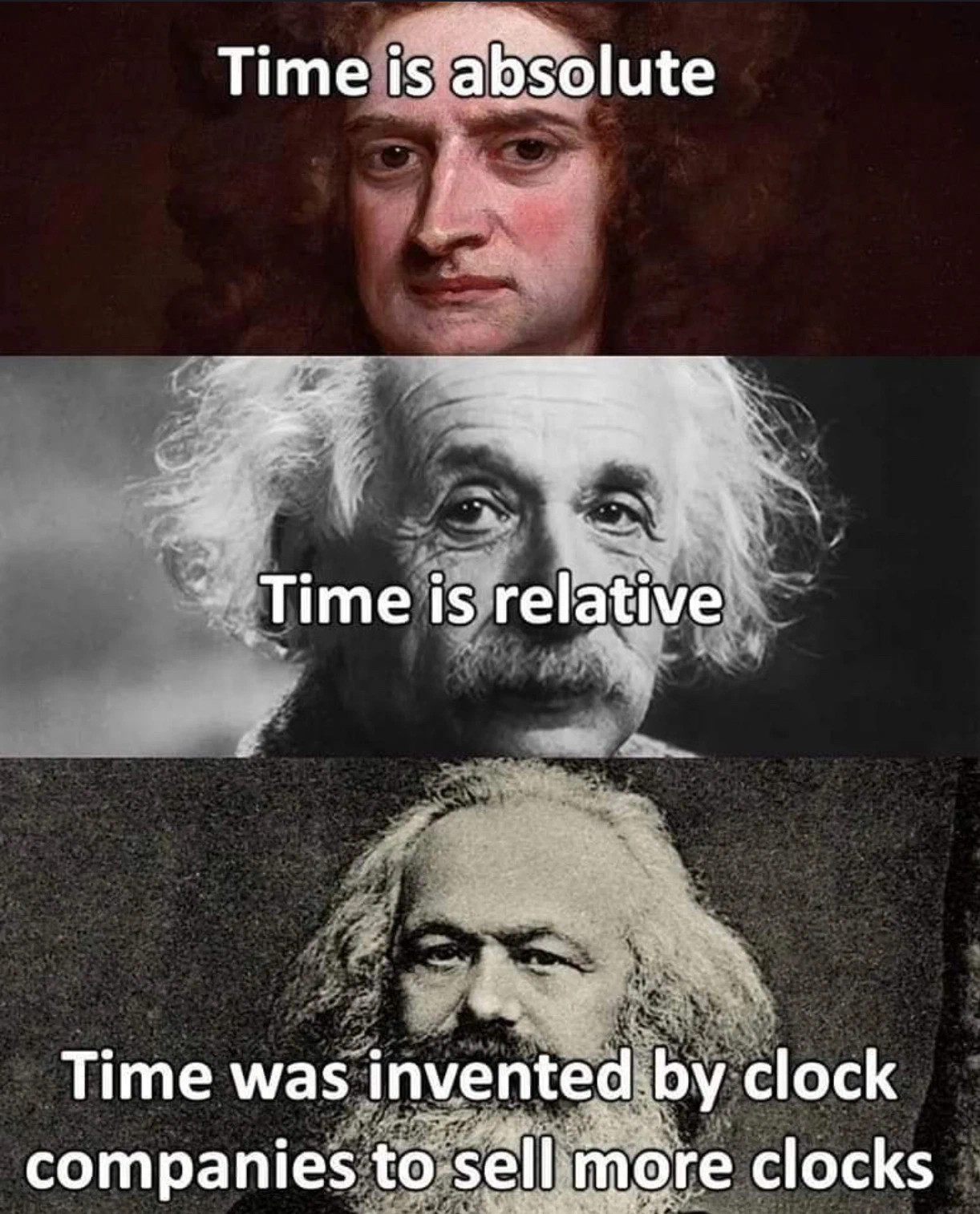
Time is an illusion. Or more accurately, time is a political consensus poorly masquerading as physics.
If you’ve ever seen Dylan Beattie’s “Plain Text” talk, you know that humans have spent centuries making data storage as complicated as possible. But text encoding has nothing on time zones.
As engineers, we like to pretend that time.Now() returns an objective truth. It doesn’t. It returns a snapshot of a highly contested, historically unstable set of political boundaries. In 2011, the island nation of Samoa decided they wanted to align their workweek with Australia rather than the United States. To do this, they didn’t just change their clocks; they completely skipped Friday, December 30th. At 11:59 PM on Thursday, the clock ticked over, and it was suddenly Saturday.
A whole day, erased from existence because a prime minister signed a piece of paper. If your backend job ran a cron on December 30th in Samoa, it just… didn’t happen.
Here is what I’ve learned about handling time without losing sleep over it.
Go Time Package Mechanics
Go’s time package is notorious for being incredibly robust, but deeply weird to newcomers.
The 1 2 3 4 5 6 7 Reference Date
If you want to parse or format a date in Python or Java, you use a format string like YYYY-MM-DD HH:mm:ss.
Go looked at that and said, “No, that’s too abstract”. Instead, Go uses a reference date. To format a date, you have to write out what the reference date would look like in your desired format.
The reference date is: January 2nd, 3:04:05 PM, 2006, timezone -0700 (MST).
Why? Because if you write it out in the American format, it counts up sequentially:
01/02 03:04:05 '06 -0700
It is a dry engineering joke that has cursed millions of developers to Google “golang time format string” every single day of their careers.
1// Parsing an ISO 8601 string
2t, err := time.Parse("2006-01-02T15:04:05Z07:00", "2026-05-15T14:30:00Z")
3
4// Formatting to a custom layout
5fmt.Println(t.Format("2006-01-02 15:04"))
Monotonic Clocks in Go
Before Go 1.9, measuring execution time was dangerous.
1start := time.Now()
2doWork()
3elapsed := time.Since(start)
In older versions of Go, elapsed could theoretically be a negative number.
Why? Because time.Now() used the operating system’s “wall clock”. The wall clock is tied to NTP (Network Time Protocol). If the OS synched with an NTP server during doWork() and realized its clock was 2 seconds fast, it would violently jump the clock backward. Your start time would suddenly be in the future.
In 2017, Russ Cox proposed a transparent fix. Rather than creating a separate MonotonicTime type, Go simply jammed a monotonic clock reading inside the existing time.Time struct alongside the wall clock.
If a time.Time struct has a monotonic clock reading, operations like time.Since() or t.Sub(u) automatically use the monotonic (always forward-moving) clock to measure duration, completely ignoring any NTP timezone jumps. It fixed a massive class of distributed system bugs without breaking a single line of backward compatibility.
Testing Temporal Logic
Writing tests for code that depends on the current time is a common source of flaky CI/CD pipelines. If your logic checks if a token is expired using time.Now(), your test is coupled to the execution clock of the runner.
To solve this, treat time as a dependency. Never call time.Now() inside deep business logic. Instead, pass the time in as an argument or use a provider function.
1type Now func() time.Time
2
3func IsExpired(expiry time.Time, now Now) bool {
4    return now().After(expiry)
5}
By passing a Now function, you can inject a fixed timestamp in your tests, ensuring your logic is deterministic and reproducible.
Database Persistence Patterns
How you store time depends on your database. Here is what works.
PostgreSQL timestamptz Storage
PostgreSQL provides the TIMESTAMP WITH TIME ZONE (or timestamptz) type. It is a common misconception that this type stores the timezone.
When you send a timestamp with an offset to a timestamptz column, PostgreSQL performs a three-step operation:
- It parses the incoming string and offset.
- It converts the value to UTC.
- It stores the UTC value as an 8-byte integer.
The offset is discarded. This conversion happens on the fly. While it is a session-level CPU cost rather than a storage bottleneck, it causes panic when a developer queries the database from a GUI tool set to local time, sees a different hour than what is on the server, and assumes the database is corrupted. The data is fine. Your DB tool is just “helping” you.
1-- Checking the current session timezone
2SHOW timezone;
3
4-- Retrieving UTC data formatted for a specific zone
5SELECT created_at AT TIME ZONE 'America/New_York' FROM transactions;
Couchbase and NoSQL UTCMilli Persistence
In a NoSQL JSON document store like Couchbase, you should prioritize Millisecond Unix Epochs (UTCMilli) for database storage.
1{
2  "created_at": 1778857200000
3}
Storing time as a 64-bit integer is the most accurate way to persist temporal data. It is inherently normalized to UTC, avoids the overhead of string parsing, and prevents timezone ambiguity. Because it is a numeric type, it supports high-performance range scans and sorting in SQL++ without the need for complex casting.
Treat ISO 8601 strings as a serialization format for transit, not storage. If you need human readability during a 3 AM incident response, use the MILLIS_TO_STR() function in your query. The minor benefit of raw readability in a JSON file is never worth the loss of numeric precision.
The Handshake Boundary
While the database wants integers, the network wants strings. The absolute rule for the client-server boundary is a two-step handshake:
- Transport: The backend sends an ISO 8601 String ending in “Z”.
- Presentation: The client converts that UTC string into Local Time.
Never perform localization on the server. A mobile device can change timezones while a request is in flight. The backend should provide the raw UTC data, and the client application must use the local operating system APIs to format the string for the user.
Browser JavaScript Formatting
JavaScript’s Date object is notoriously flawed, but modern browsers have finally stabilized Intl.DateTimeFormat. You pass it the UTC string, and the browser automatically detects the user’s OS timezone and formats it correctly.
1const utcString = "2026-05-15T14:30:00Z";
2const date = new Date(utcString);
3
4const formatter = new Intl.DateTimeFormat('default', {
5  year: 'numeric', month: 'short', day: 'numeric',
6  hour: 'numeric', minute: '2-digit'
7});
8
9console.log(formatter.format(date));
Mobile OS Localization
Mobile OS libraries are specifically designed to handle timezone changes on the fly.
On iOS (Swift), parse the string using ISO8601DateFormatter and format it with DateFormatter. The OS will automatically pick up the user’s current locale and timezone.
1let formatter = ISO8601DateFormatter()
2let date = formatter.date(from: "2026-05-15T15:00:00Z")!
3
4let localFormatter = DateFormatter()
5localFormatter.dateStyle = .medium
6localFormatter.timeStyle = .short
7// Let the iPhone figure out if they just flew to Samoa
8print(localFormatter.string(from: date))
Android (Kotlin) uses the java.time package (Instant). You parse the UTC moment and convert it to the system’s default zone for display.
1val instant = Instant.parse("2026-05-15T15:00:00Z")
2val localDateTime = ZonedDateTime.ofInstant(instant, ZoneId.systemDefault())
3
4val formatter = DateTimeFormatter.ofLocalizedDateTime(FormatStyle.MEDIUM)
5println(localDateTime.format(formatter))
These libraries are updated by the OS vendors whenever political boundaries or DST rules change, shielding your application from maintenance overhead.
The short version
Measure duration with monotonic clocks. Store time as UTCMilli integers in NoSQL, timestamptz in Postgres. Send ISO 8601 strings over the wire. Let the client handle formatting.
Do that consistently and your system stays correct even when governments decide to delete a Friday.